Trimroll: Photo Cleaner
Swipe your camera roll clean.
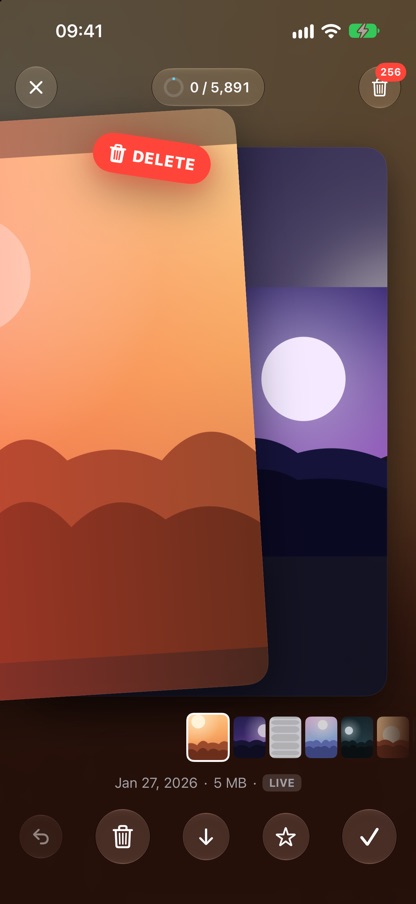
Thousands of photos you will never look at again, and no time to sort them. Trimroll shows them one at a time: swipe left to delete, right to keep, down to decide later. Nothing is deleted until you review the pile and confirm, and your photos never leave your device.
- iPhone & iPad
- Photos stay on device
- No accounts
- Free, optional Premium
How it works
One photo, one swipe
Left to delete, right to keep, down for later, double-tap to favorite. Every swipe can be undone, and a filmstrip under the photo shows what is coming next.
Clutter turns to dust
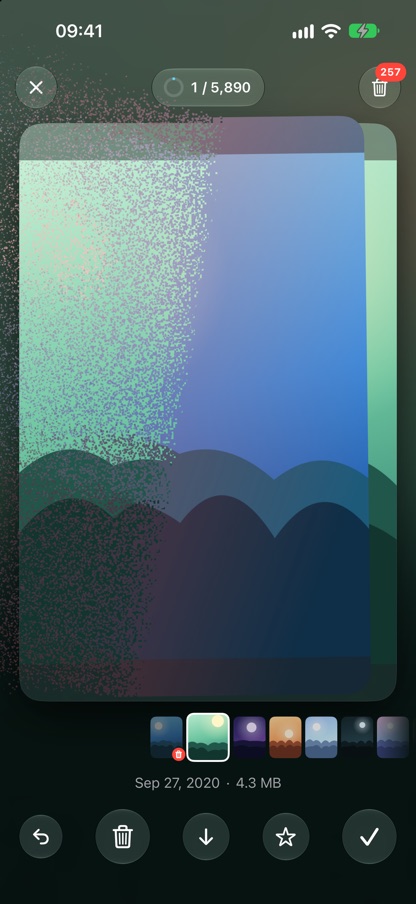
A deleted photo crumbles into tens of thousands of particles and blows away. Clearing out a camera roll should feel good.
Nothing deleted by accident
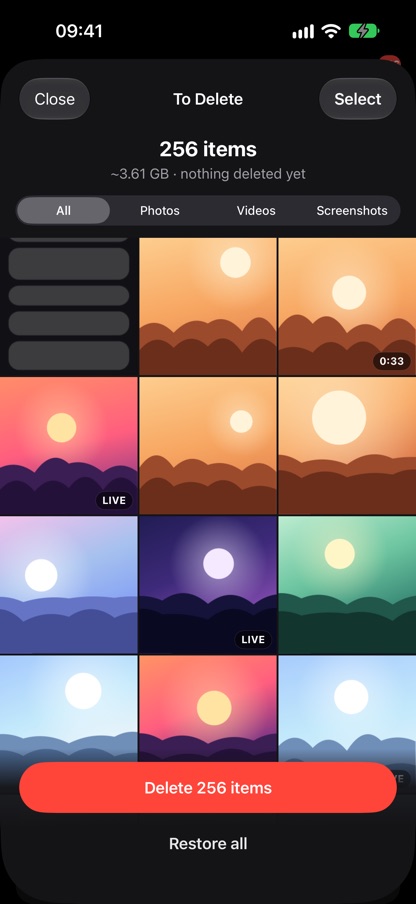
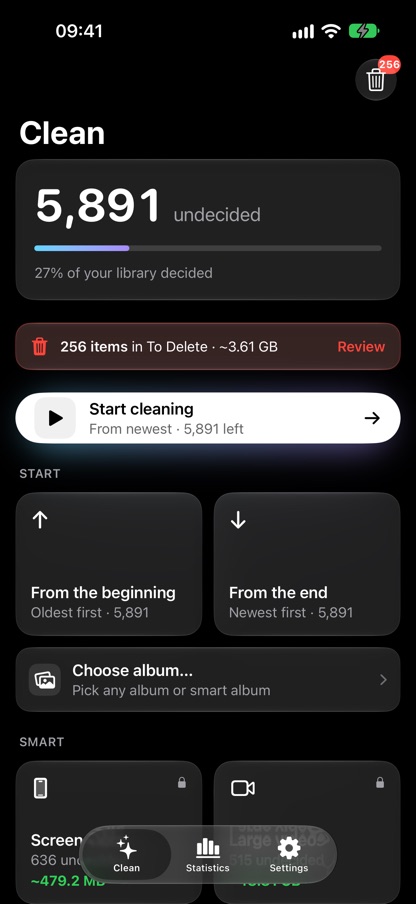
Swiped-away photos wait in a To Delete bin. Review them, restore any you changed your mind about, then confirm. iOS keeps them in Recently Deleted for 30 more days.
Resume or start fresh
Resume picks up exactly where you stopped. Start from the newest or the oldest photo any time, including the ones you just took, or clean one album or one month at a time.
Smart modes
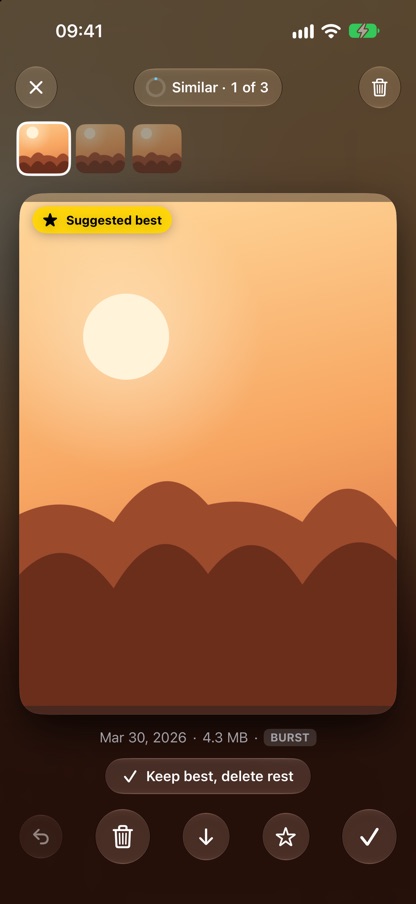
With Premium: look-alike shots grouped with the best one suggested, old screenshots, the largest videos, On This Day and a random mix. Premium also removes ads.
Private by design
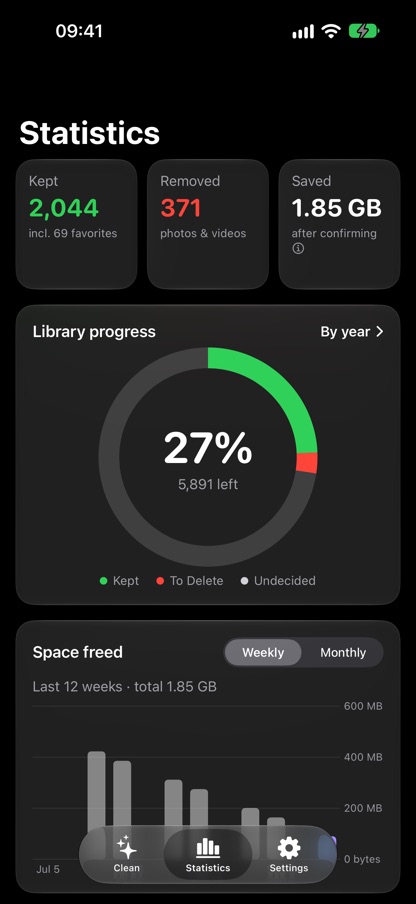
Sorting happens on your iPhone or iPad. No sign-in, no uploads, no copy of your photos anywhere else. Statistics show how much space you have freed, week by week.
Screens